ANDROID TV + ANDROID MOBILE
Get ZIGMA
on Google Play.
Install ZIGMA PLAYER from the official Google Play store.
 For Android TV and Android phones.
 ZIGMA PLAYERYOUR SOURCES. YOUR SCREEN.
A free, easy-to-use player for Live TV, movies and series from sources you provide. Designed for TV remotes, with familiar controls on Android mobile and Windows.
Free / Your own media sources required
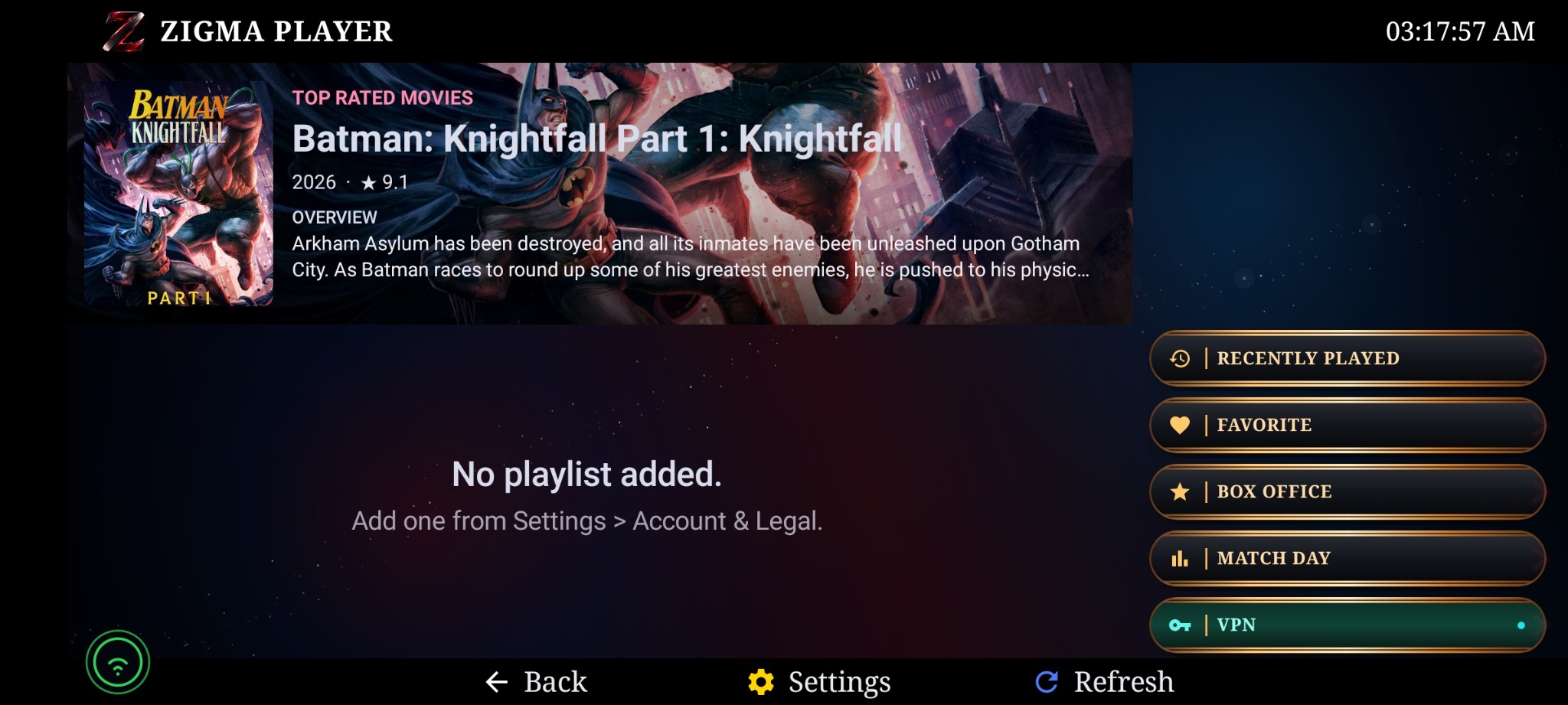
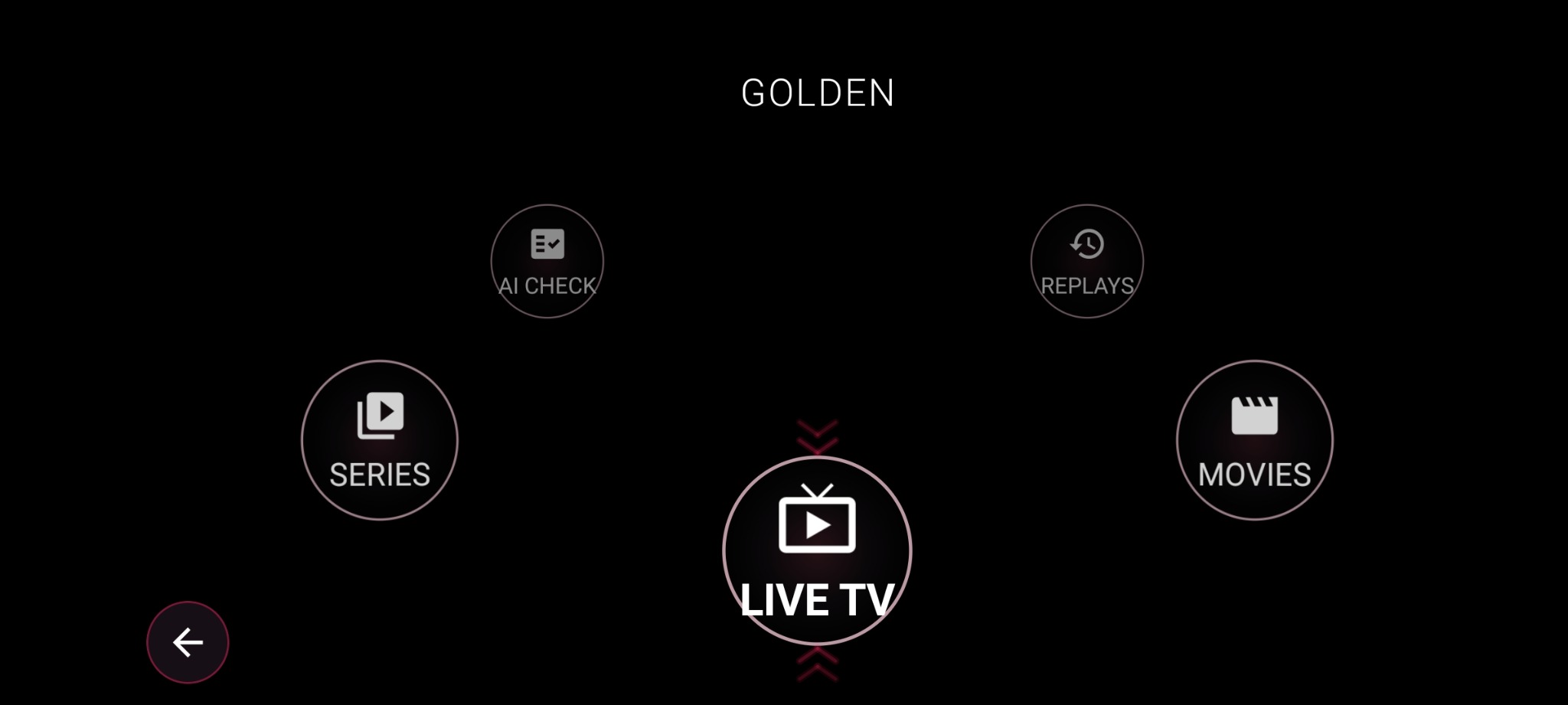
Browse channels and their programme guide. Watch earlier broadcasts when your provider offers catch-up.
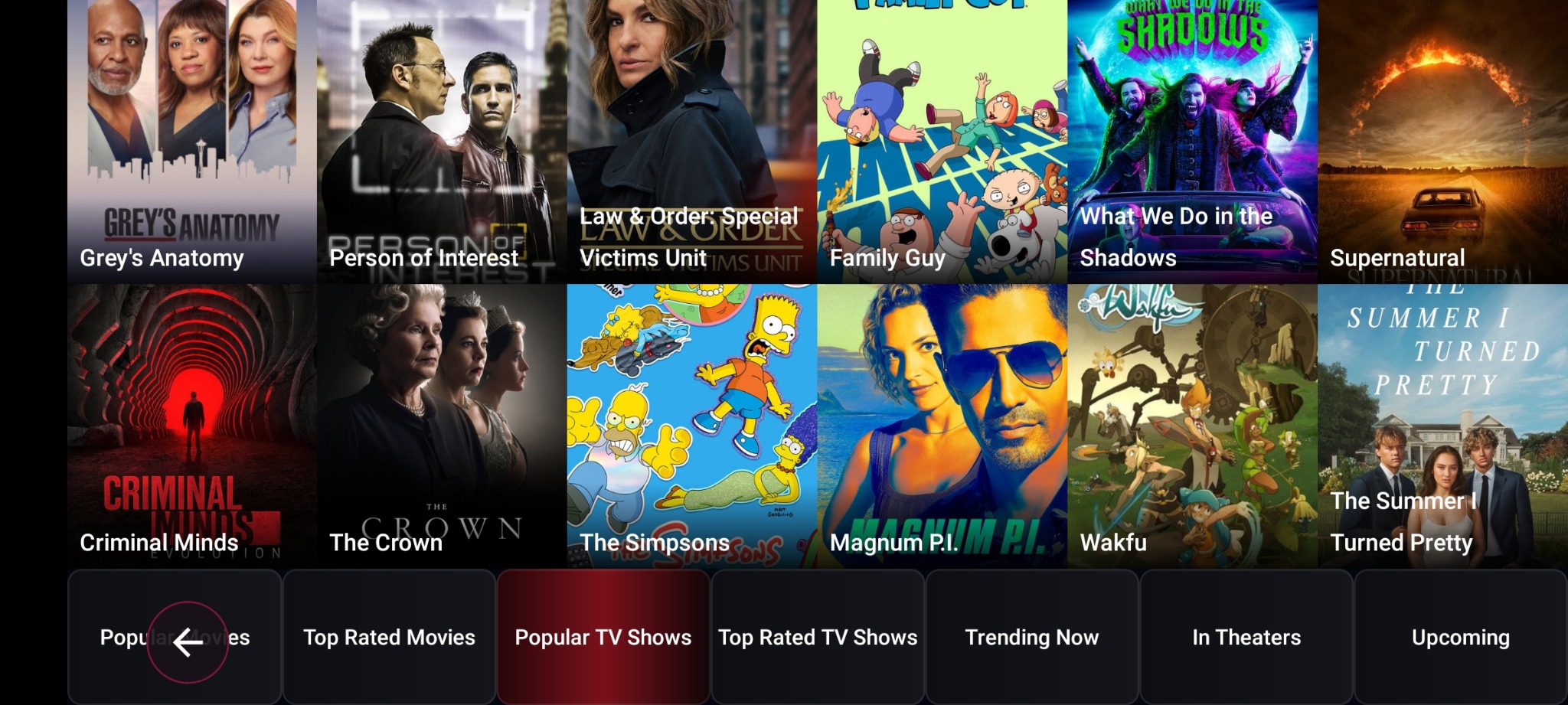
Filter by genre or rating, browse seasons, and use Continue Watching to resume an episode. Box Office and Match Day help you discover titles and fixtures.

Organize channels, movies and series in 16 favorites folders. Set parental PIN locks, adjust Audio Delay and save per-channel playback settings.
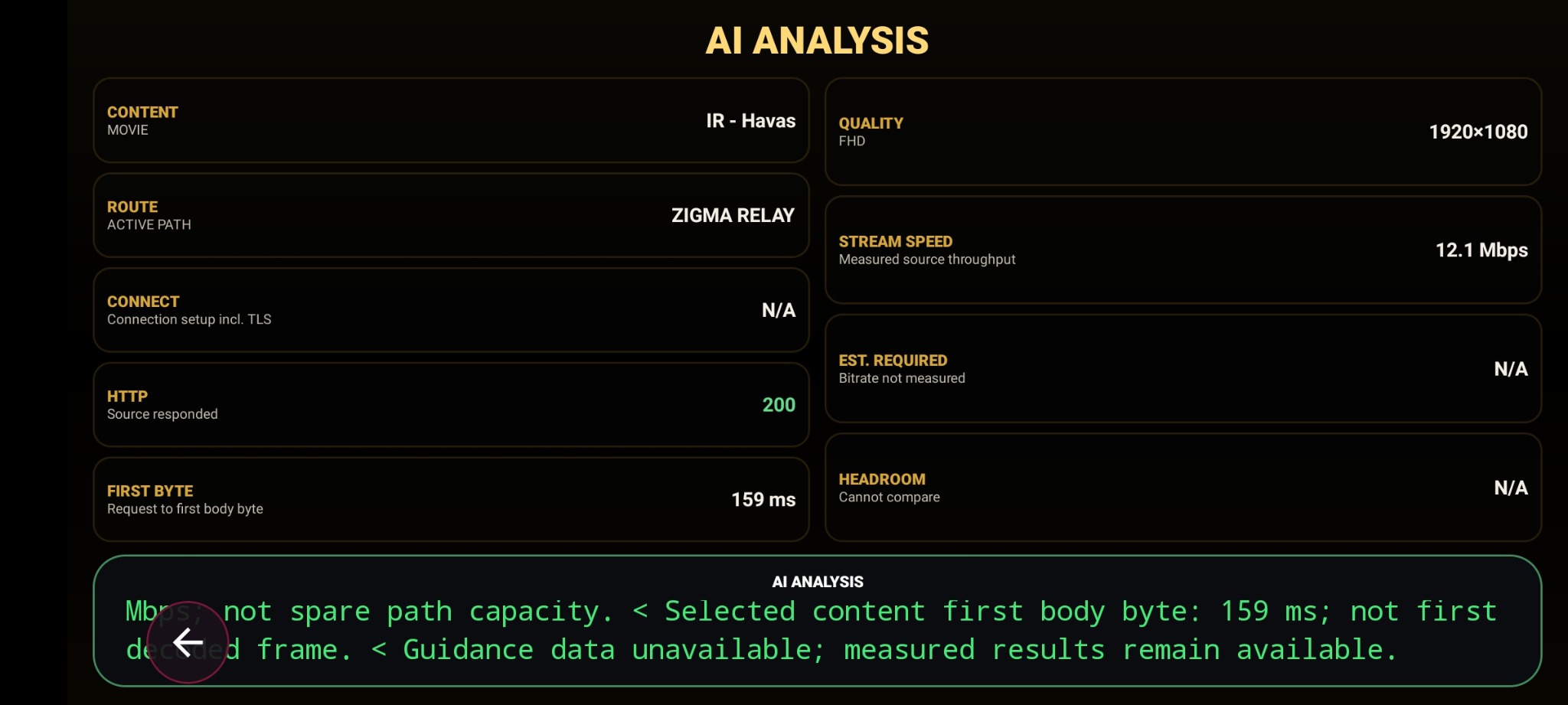
Check your playlist connection or inspect the selected stream for response time, throughput and playback information.
Choose Android TV, Android Mobile, Fire TV or Windows.
Install ZIGMA PLAYER from the official Google Play store.
For Android TV and Android phones.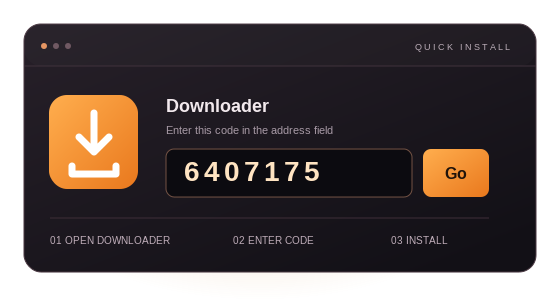
Open Downloader on Fire TV or Fire Stick. Enter 6407175 and follow the installation prompts.
Need a hand getting started? Read the setup guide or email info@zigmaplayer.com.
Add your own authorized Xtream or M3U source in Settings. Channel lineups, programme guides and replay availability depend on your provider.
Read the setup guide ↗ · Upload a playlist ↗Enjoy ZIGMA PLAYER for free. Bring your own authorized media sources. Optional VPN subscriptions are available separately.
ZIGMA VPN routes supported traffic inside the player. You can use your own connection or choose a VPN location available for your device. Your internet provider can still see VPN use.
 Microsoft Store